Your Mac, crisp anywhere
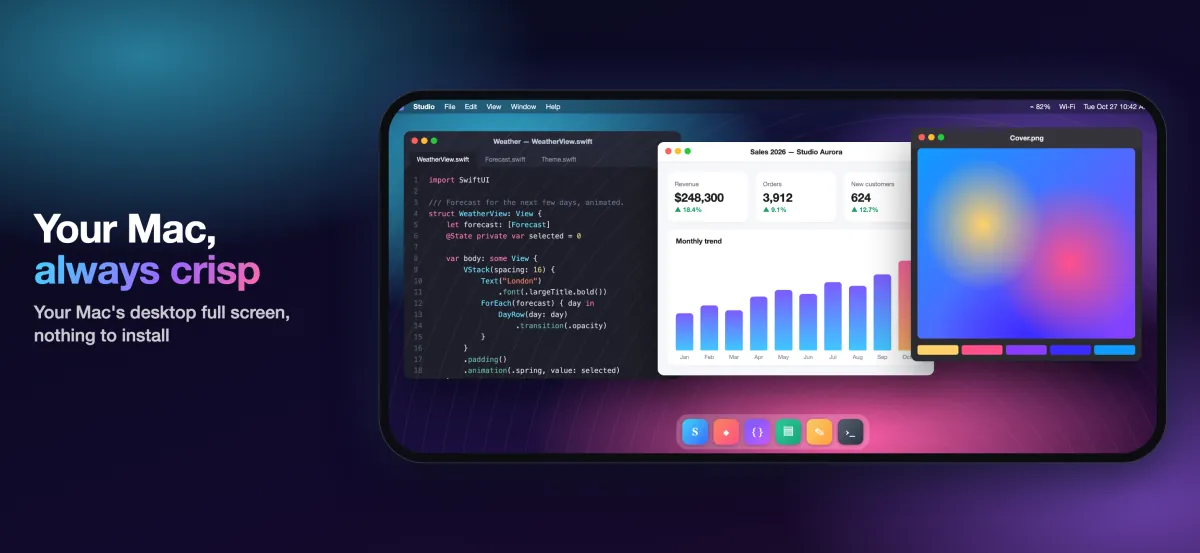
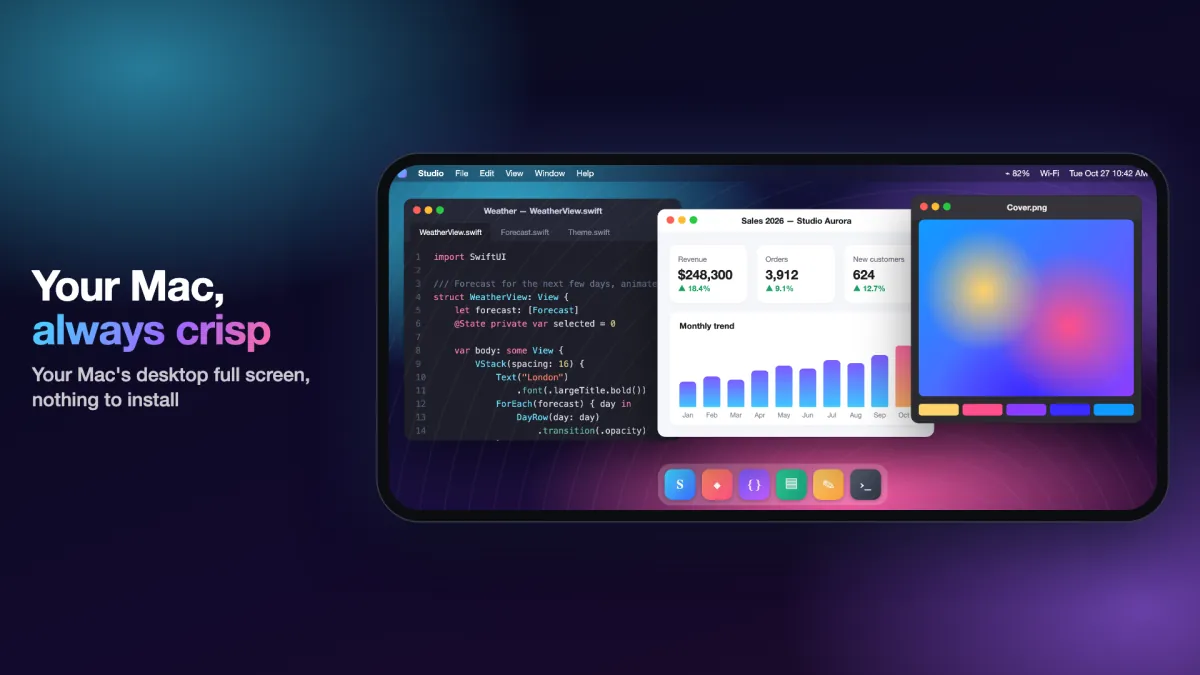
Full-color video and a display that fits, on iPad, iPhone and iPhone Duo. Just like sitting in front of your Mac.

€4.99, pay once. No account, no ads.
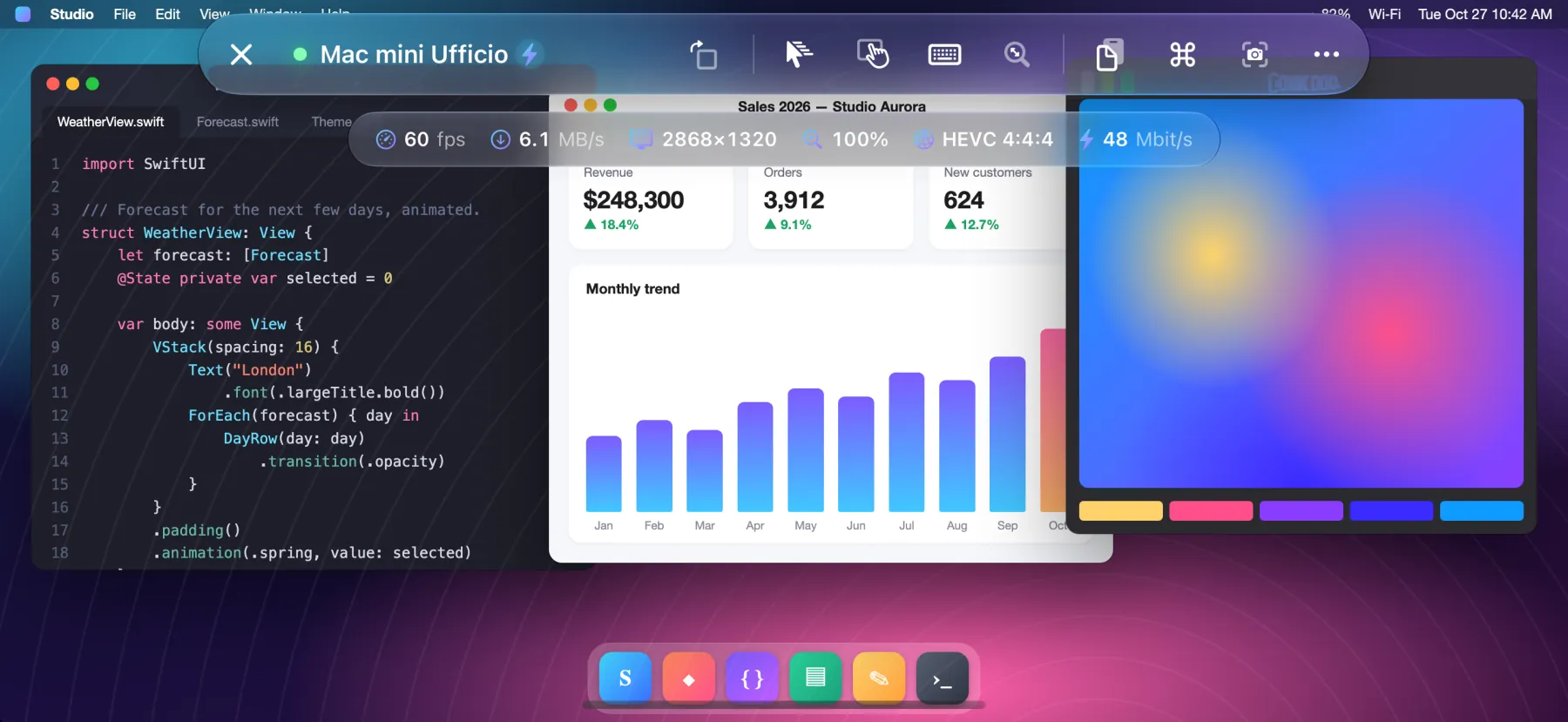
- 60 fps
- HEVC 4:4:4
- Retina
How it works
Open Remote PRO connects to the Screen Sharing built into macOS, the same service Apple Remote Desktop uses.
- Nothing to install on the Mac
- No account to create
- No data going through third-party servers
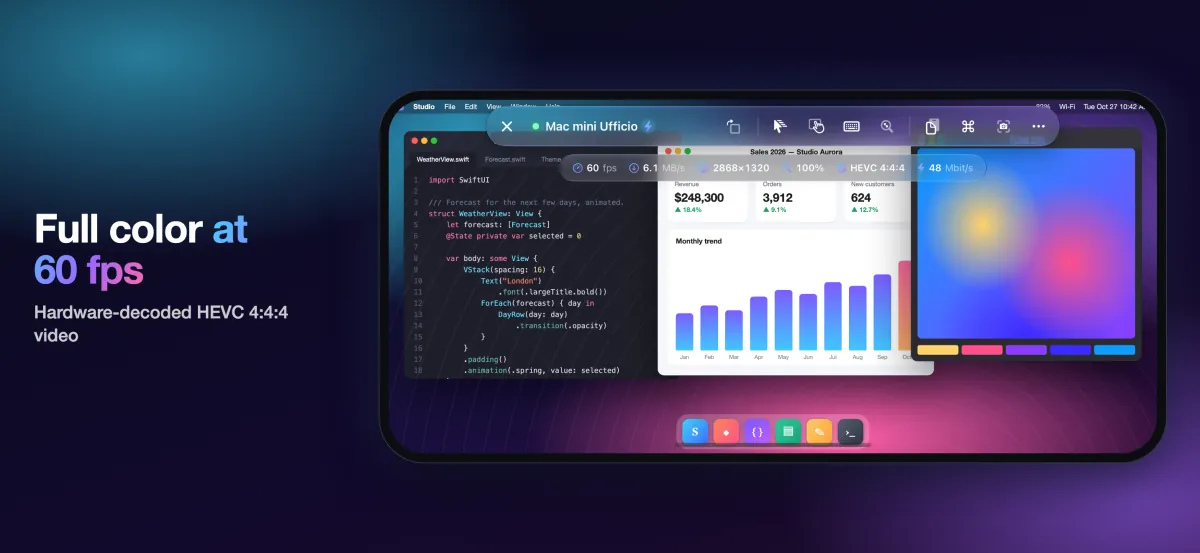
Full color at 60 fps
Full-color HEVC 4:4:4 video, hardware-decoded: text as sharp as on the Mac's own display, gradients and photos without fringing. Scroll, drag windows, watch a video: smooth up to 60 fps, with low latency.
If the Mac doesn't offer video mode, the app falls back to classic VNC encodings on its own.
A display that fits you
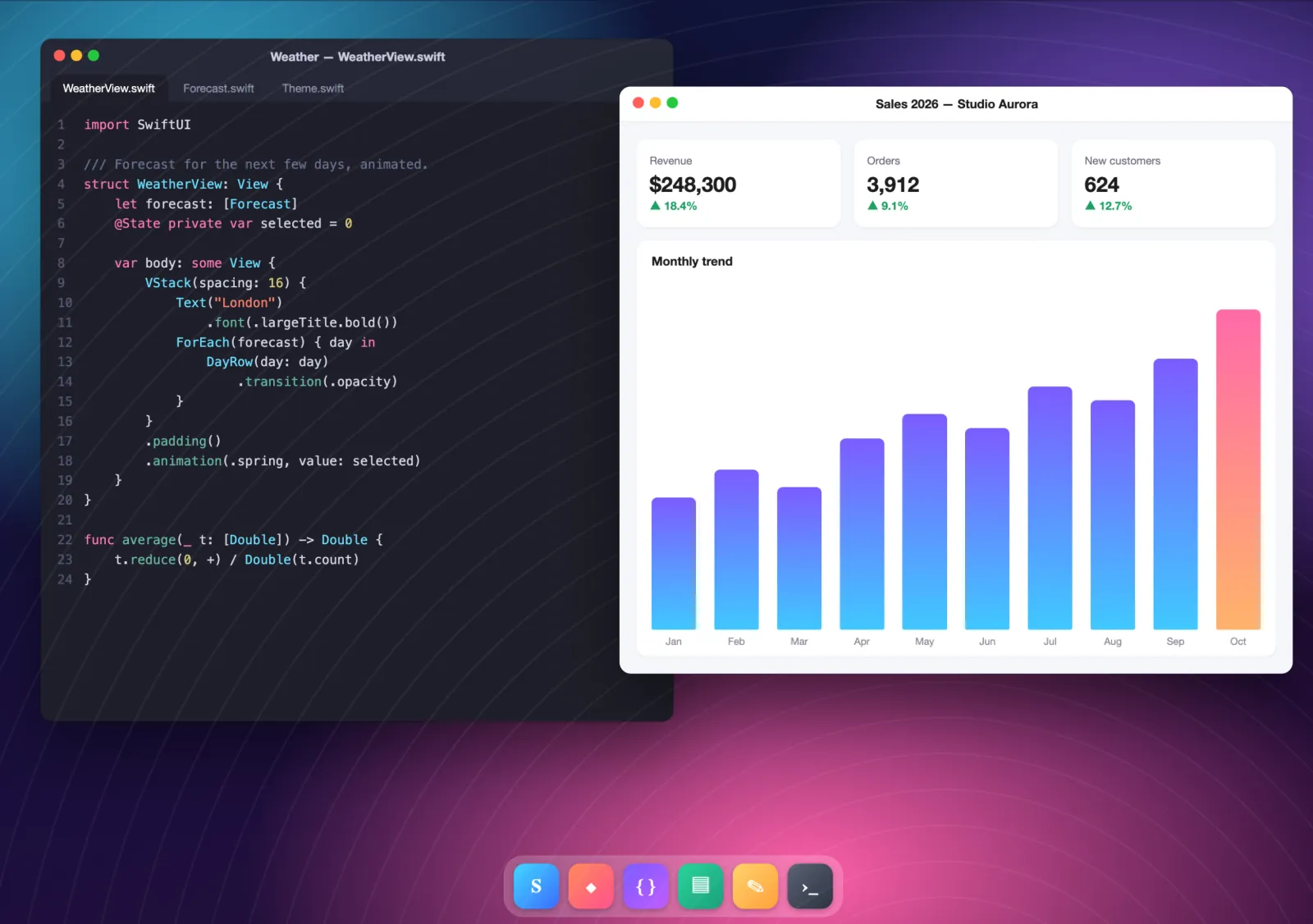
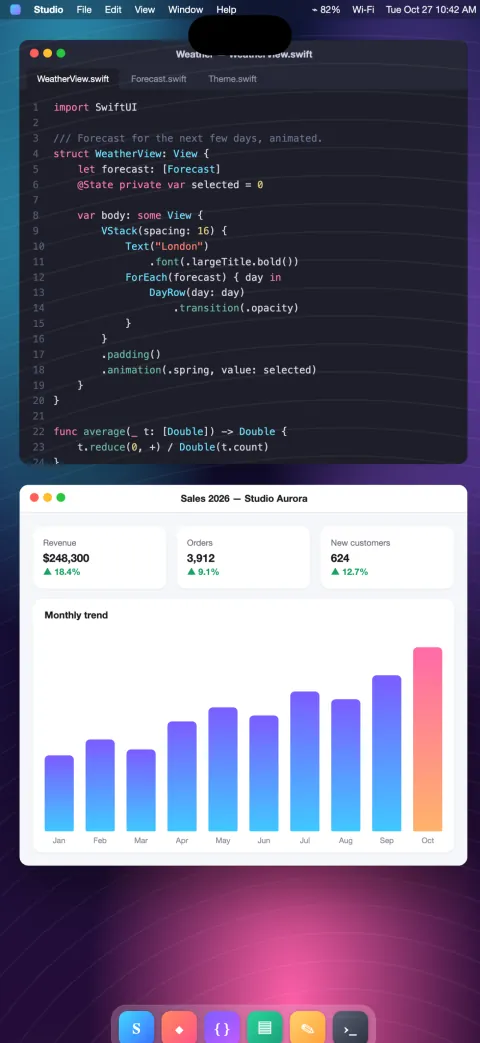
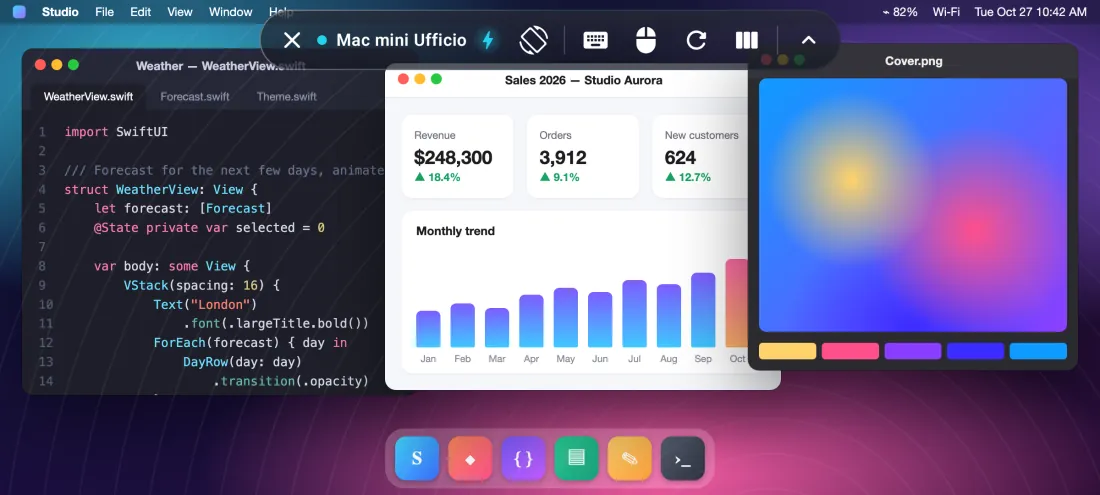
The Mac creates a Retina virtual monitor exactly the size of your screen: no black bars, no tiny text. Rotate your device, use Split View or Stage Manager, unfold your iPhone Duo: the monitor resizes itself.
- With the on-screen keyboard open, you choose: drag with two fingers to see what's underneath, or shrink the Mac's screen to the visible area.
- On iPhone, one button rotates the screen even with rotation lock on.
- Multi-monitor Macs: switch with a tap or see them all at once.
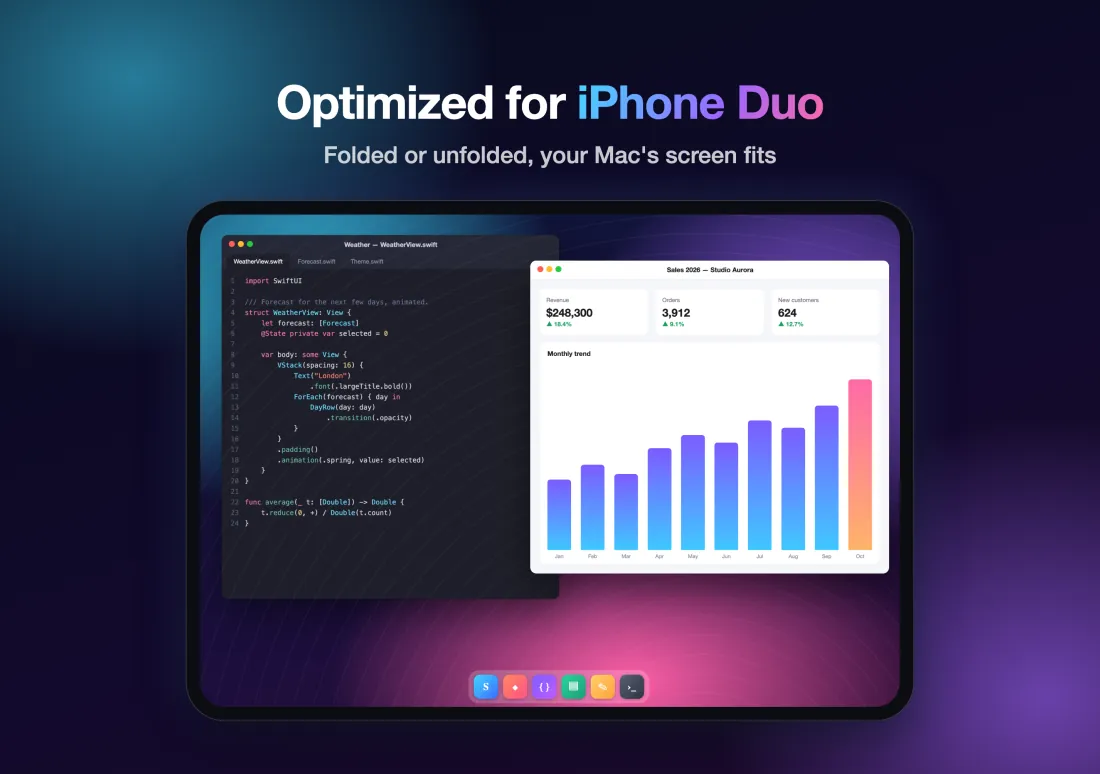
Optimized for iPhone Duo
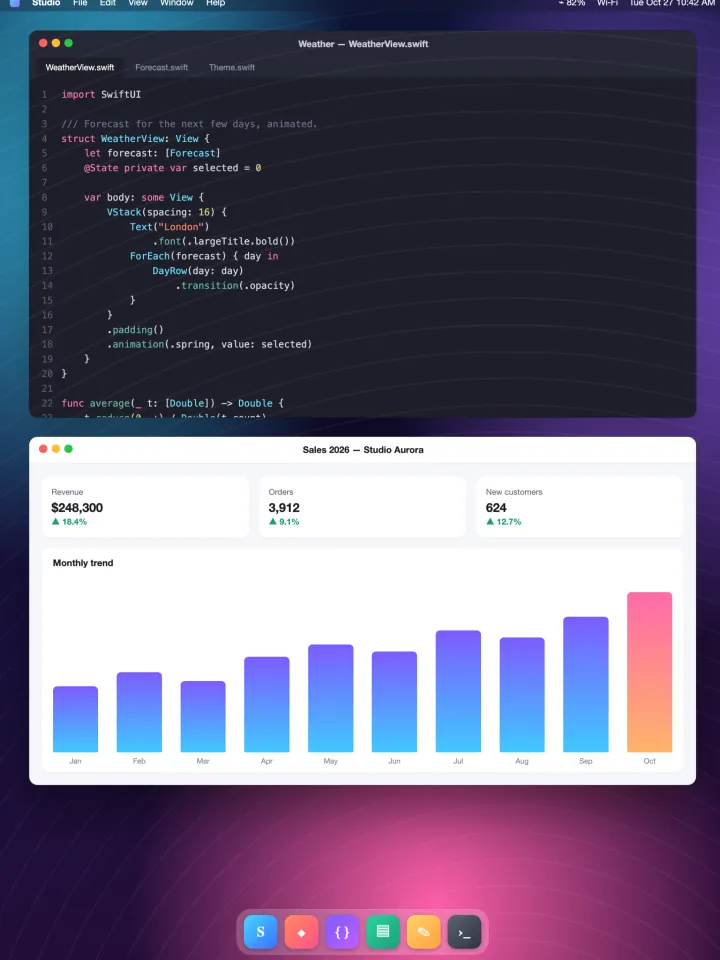
Unfold your phone and your Mac's screen grows with it, fold it and it fits the outer display.
Folded, your Mac fits the outer display. Unfolded, it becomes a real 7.6-inch desktop with laptop-like room.
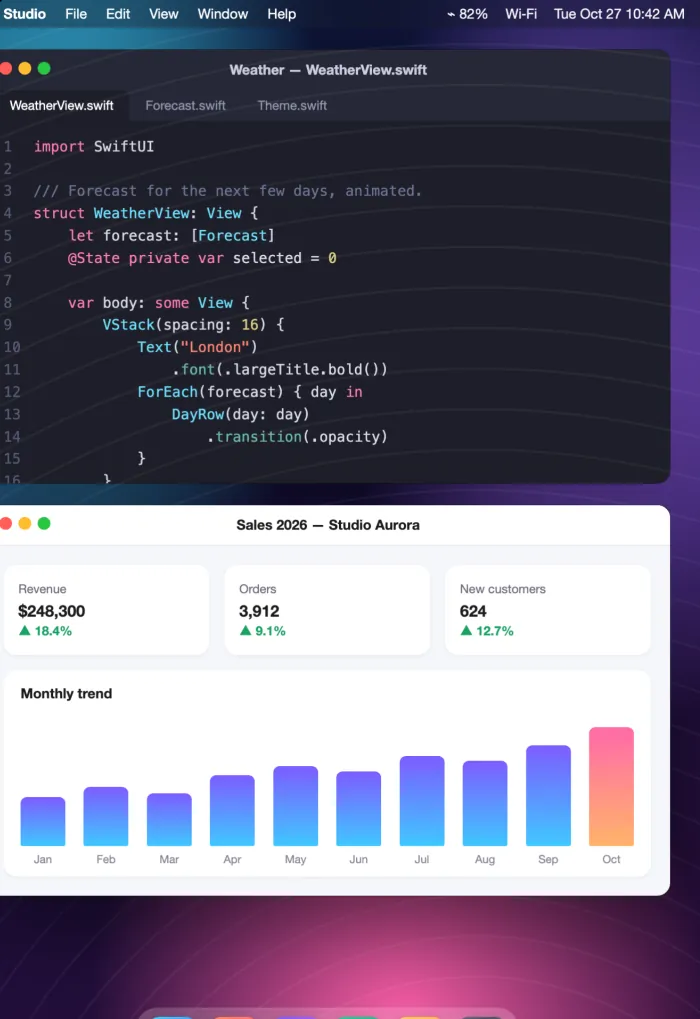
- The Mac's virtual monitor resizes the moment you fold or unfold: no reconnecting, no black bars.
- The control bar rearranges itself between the outer and inner display.
- A rotate button, and a rotation suggestion when you turn the phone.
Mouse, trackpad and keyboard
Full support for Bluetooth and USB mice, trackpads and keyboards, including Magic Keyboard, Magic Trackpad and Magic Mouse.
- A pointer that moves and hovers over items, just like on the Mac.
- Left click and right click.
- Two-finger scrolling on the trackpad and scrolling with the mouse wheel, smooth or step by step.
- Hardware keyboard with the right layout, accented letters and symbols included.
- Modifier keys ⌘ ⌥ ⌃ ⇧.
Mouse and trackpad: on iPad. Hardware keyboard: on iPad and iPhone.
Try it: press ⌘, ⌥, ⌃ or ⇧ on your keyboard.
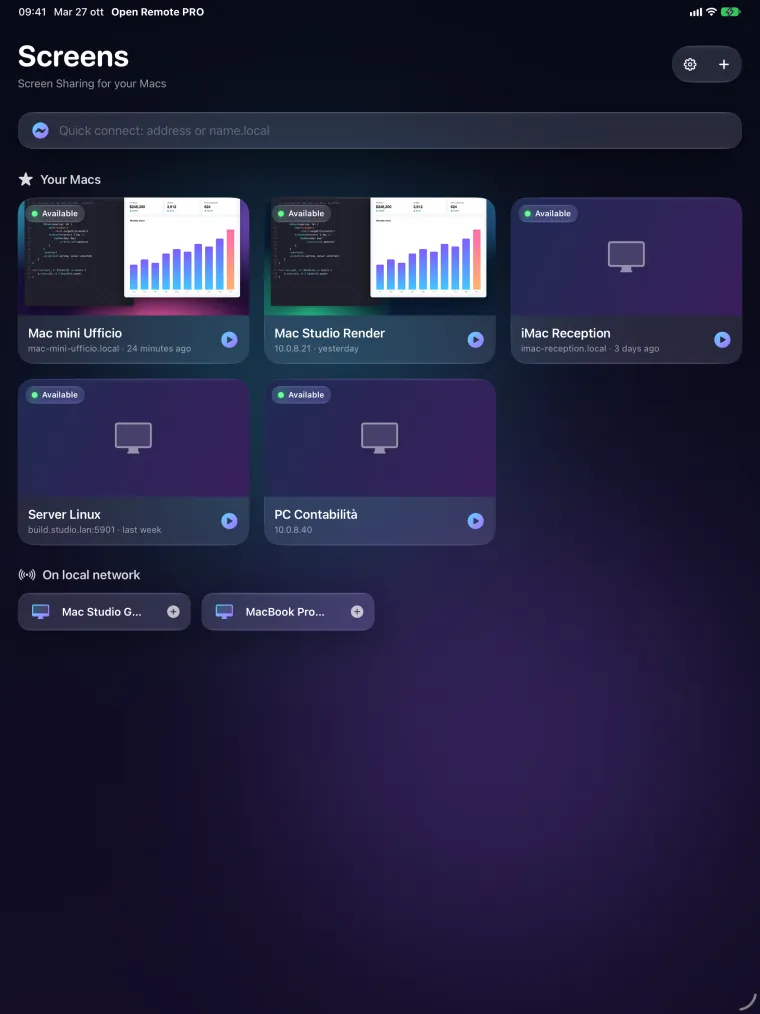
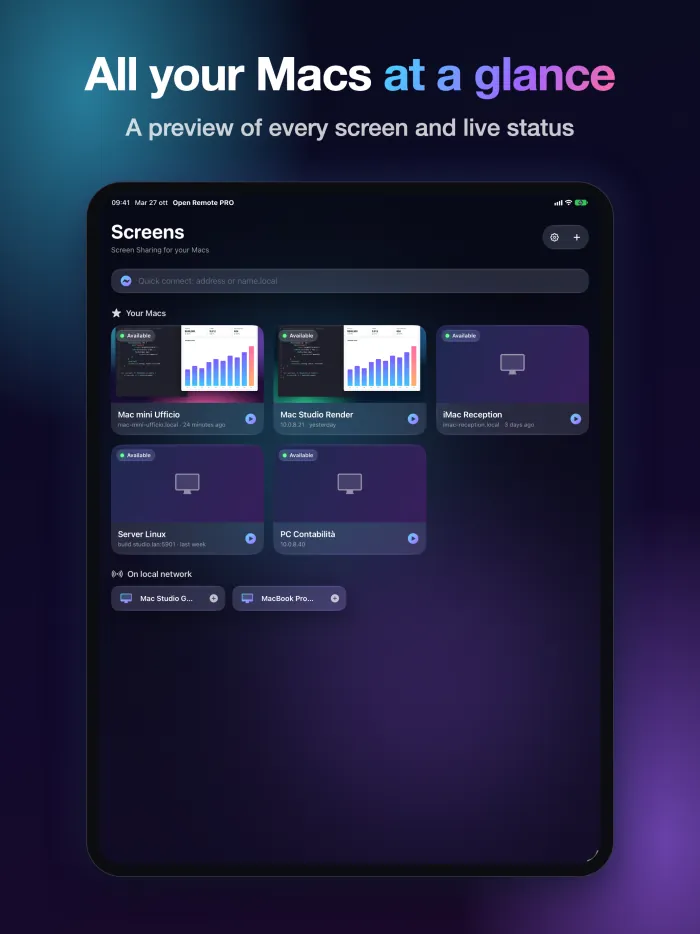
All your Macs at a glance
Built for people who manage Macs, at home, in the studio or at the office.
- Using Apple Remote Desktop? Import the computer list exported from Remote Desktop in seconds.
- Cards with each Mac's latest picture and live status: available or unreachable.
- Automatic discovery on the local network and quick connect by address.
- SSH management: hardware, system and disk info, installed apps, lock screen, sleep, restart and shut down, with host identity verification.
Control, compatibility, privacy
Natural control
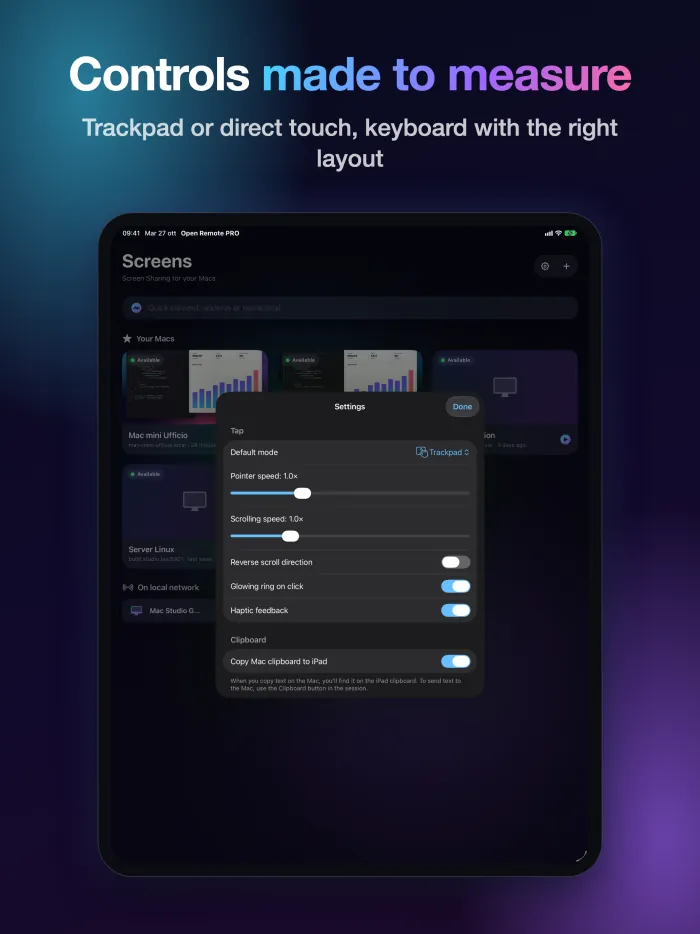
- Trackpad or direct-touch mode, two-finger right click, smooth pinch zoom.
- Precise momentum scrolling; three fingers to scroll pages.
- Bar with esc, tab, arrows, F1–F12 and modifiers; ready-made shortcuts (Mission Control, Spotlight, screenshots and more).
- Shared clipboard between the Mac and your device; screen snapshots to save or share.
- Observe mode to watch without touching anything.
PCs and Linux too
- Standard VNC servers on Windows and Linux.
- Windows PCs over Remote Desktop (RDP) on iPad and iPhone.
Android, on Google Play
On Android phones, foldables and tablets: smooth up to 60 fps, up to 120 on displays that support it.
Private by design
- No account, no ads, no tracking.
- Passwords and keys stay in your device's Keychain.
- The app only connects to the computers you add.
See it in action
One purchase
€4.99
Pay once, on the App Store or Google Play.
Price in euro countries; elsewhere, the price shown in the store applies.
Requirements
High-quality video needs a Mac with Apple silicon running macOS 14 or later, with Screen Sharing on (System Settings › General › Sharing). Other Macs and VNC servers work with classic encodings. Away from home or office, use a VPN.
Frequently asked questions
What do I need to install on the Mac?
Nothing. On the Mac open System Settings › General › Sharing and turn on Screen Sharing. Then add the Mac in the app (it already shows up if it is on the same network) and sign in with the name and password of a user on that Mac.
What does high-quality video need?
A Mac with Apple silicon and macOS 14 or later. Other Macs and VNC servers work with classic encodings.
Does it work away from home?
Yes, with a VPN into the Mac's network. Do not expose Screen Sharing directly to the internet.
Does it work with Windows and Linux PCs?
Yes, with standard VNC servers on Windows and Linux. On iPad and iPhone you can also connect to Windows PCs over Remote Desktop (RDP).
What data does the app collect?
None: no account, no ads, no tracking. Your computer list, passwords and keys stay on your device, and the app only connects to the computers you add.
Is it available for Android?
Yes, on Google Play, for phones, foldables and tablets.
More answers on the support page.